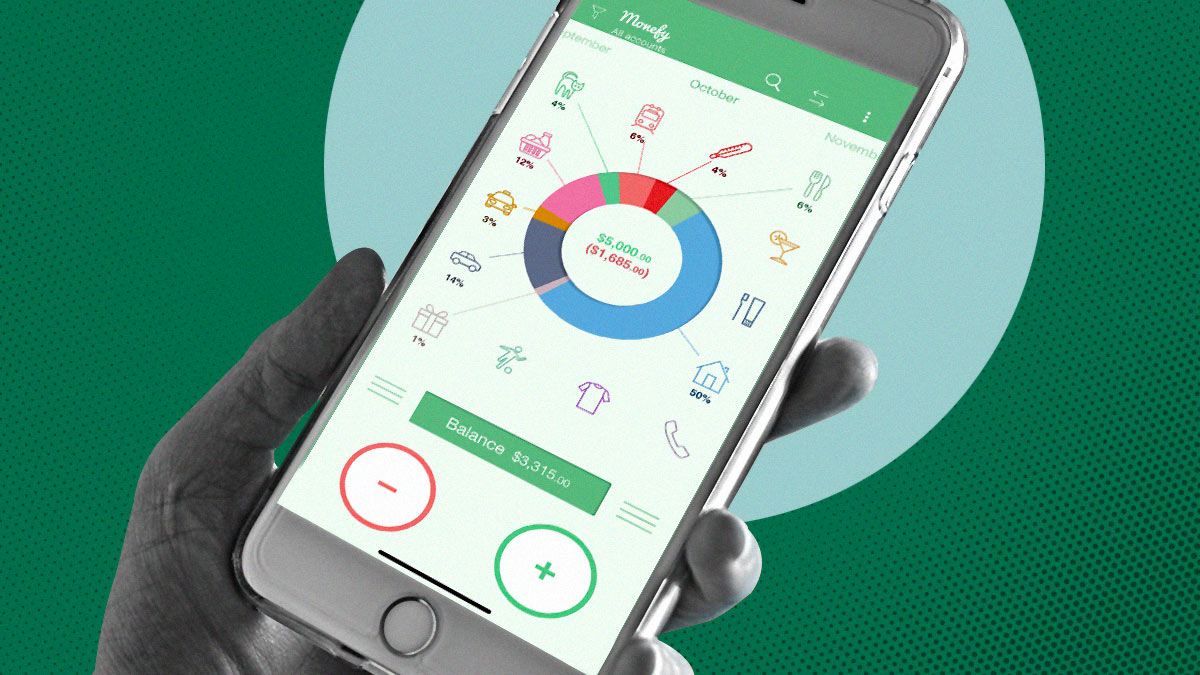
Learning how to budget can feel intimidating at first, especially when you are staring at a long list of apps that all promise to “fix” your finances. In 2026, the market is crowded with tools that track spending, categorize purchases, manage subscriptions, forecast bills, and even coach users with AI, but the best app for a beginner is usually the one that feels simple enough to use consistently. Recent reviews from NerdWallet and The Penny Hoarder show that beginner-friendly apps tend to fall into two broad groups: free apps that focus on basic tracking and paid apps that offer more automation, customization, and guidance.
For someone just getting started, the biggest question is not which app has the most features, but whether a free app is enough or whether a paid plan is worth the money. The answer depends on your habits, your comfort with manual entry, and how much support you want from the software itself. Some users do perfectly well with a no-cost tool that shows spending and balances, while others make faster progress with a paid app that automates bank syncing, gives better reports, and turns budgeting into a structured routine.
What beginners need most
A beginner usually does not need an advanced financial dashboard on day one. What matters more is having an app that clearly shows income, expenses, and how much money is left after bills, because this is the foundation of any workable budget. NerdWallet notes that many people abandon budgeting apps after a few weeks when the app is not a good fit, which is why ease of use matters as much as features.
Most first-time budgeters benefit from four basic things:
- Simple setup.
- Clear spending categories.
- Easy-to-read summaries.
- Enough reminders or structure to stay engaged.
This is where free and paid apps start to differ. Free apps often give you the basics, while paid apps usually add stronger automation, more detailed planning tools, deeper reporting, and in some cases shared budgeting or goal tracking.
Free budgeting apps: strengths and limits
Free budgeting apps are attractive for obvious reasons: they lower the barrier to getting started. If you are unsure whether budgeting will become a habit, using a free app lets you experiment without adding another monthly subscription. According to The Penny Hoarder, Rocket Money’s free tier stands out because it includes account linking, balance alerts, subscription management, spending tracking, and two custom budget categories without mandatory fees.
That makes free tools especially useful for people who want visibility before they want discipline. A beginner can open the app, connect accounts, and quickly see where money is going each month. This kind of automatic spending overview can be more motivating than a strict budgeting system that feels overwhelming at the start.
Other free-friendly options work well for users who prefer manual control. NerdWallet highlights Goodbudget as a planning-focused envelope budgeting app whose free version allows one account, two devices, and limited envelopes, though it does not connect to bank accounts unless you upgrade. EveryDollar also offers a free version, but users must enter transactions manually because bank syncing is reserved for premium subscribers.
The main downside of free apps is that they often stop short of full convenience. Some limit custom categories, account syncing, shared access, or advanced reports, while others rely heavily on manual entry. For disciplined users, that may be fine, but for many beginners the extra friction can lead to inconsistency.
Paid budgeting apps: what you get
Paid budgeting apps usually justify their price with convenience, structure, and better financial insight. Instead of only showing where your money went, they help you plan where it should go next. They also tend to offer stronger customization, better long-term goal tracking, and more useful alerts for overspending, bills, and savings progress.
Simplifi is one of the clearest examples of a paid app designed for beginners. The Penny Hoarder names it one of the best budgeting apps for beginners because it offers guided setup, lets users connect banking, credit card, and loan data, and gives a spending plan that compares planned spending with actual spending. Its pricing is relatively low at $2.99 per month, which makes it a gentler paid entry point than some premium competitors.
More premium tools serve users who want a stronger framework. YNAB, for example, is built around zero-based budgeting, meaning every dollar is assigned a job before it is spent. NerdWallet and The Penny Hoarder both describe it as a detailed, hands-on system with features such as account syncing, goal tracking, and loan payoff tools, but they also note that the app can feel more demanding and costs $14.99 per month or $109 annually after a free trial.
Monarch is another paid option that appeals to users who want a broader financial picture. NerdWallet says it supports flexible budgeting styles, syncs multiple account types including investments, and includes collaboration features for households, while The Penny Hoarder recommends it for couples and shared financial goals. That makes it powerful, but it may be more than a solo beginner needs at the very beginning.
Free vs paid: side-by-side
The best way to compare free and paid apps is to look at what they actually change in daily use. Free apps are best when you want to observe your money, while paid apps are stronger when you want to actively shape your behavior with more structure and automation.
| Type | Best for | Typical advantages | Typical trade-offs | Examples |
|---|---|---|---|---|
| Free apps | Curious beginners, light trackers, budgeters testing a habit | No cost, low risk, often enough for basic spending visibility | Fewer advanced features, manual work, limited customization or syncing in some cases | Rocket Money free, Goodbudget free, EveryDollar free, Empower |
| Paid apps | Beginners who want guidance, automation, and long-term consistency | Better bank syncing, richer reports, goal planning, more alerts, stronger structure | Subscription cost, more features can sometimes feel complex | Simplifi, YNAB, Monarch, PocketGuard, Copilot |
One important pattern appears across expert reviews: paid apps are often better at reducing friction. If your transactions import automatically, your categories are suggested for you, and your upcoming bills are already visible, you are more likely to keep using the app. For a beginner, consistency matters more than perfection, so convenience can be worth paying for.
Best beginner choices
For most beginners, the best free starting point is Rocket Money. The Penny Hoarder calls it the best overall budgeting app and also one of the best free budgeting apps because its free tier includes useful automation, subscription tracking, and a simple dashboard. It is especially strong for people who want to understand recurring charges and get a quick picture of spending without learning a strict budgeting method first.
If you want the easiest paid app for beginners, Simplifi is a strong choice. The Penny Hoarder describes it as beginner-friendly, approachable, and useful for first-time budgeters who want a spending overview, while Kiplinger also points to Simplifi as one of the best picks for beginners. Its guided experience makes it less intimidating than more system-heavy tools.
If you want a more disciplined budgeting method and do not mind a learning curve, YNAB is arguably the best premium app for building strong habits. Both NerdWallet and The Penny Hoarder recommend it for zero-based budgeting, debt payoff planning, and intentional spending, though both also caution that it requires more consistent engagement than simpler apps.
If you budget with a partner, Monarch stands out. NerdWallet emphasizes its flexible budgeting tools and household collaboration, while The Penny Hoarder highlights its shared budgeting roles and joint savings features, making it ideal for couples who want one coordinated system.
How to choose wisely
A beginner should not choose an app based only on popularity. It is smarter to match the app to your personality and financial behavior. If you dislike manual entry, avoid free apps that depend on it. If you tend to ignore numbers unless the interface is simple, choose a cleaner app with fewer decisions. If you need strict guardrails, look for zero-based budgeting tools instead of basic spending trackers.
A practical approach is to ask yourself three questions:
- Do I want to track spending or actively plan every dollar?
- Do I want automation, or am I comfortable entering data manually?
- Will paying for the app motivate me to use it consistently?
For many people, the smartest move is to start free, then upgrade only when a limitation becomes obvious. For example, you may begin with Rocket Money to identify subscriptions and spending leaks, then move to Simplifi or YNAB when you want stronger planning and better habit formation. That way, you are paying for real value instead of buying features you do not yet need.
Which is better: free or paid?
Neither free nor paid budgeting apps are universally better. Free apps are better for testing the habit, building awareness, and avoiding unnecessary costs, while paid apps are better for automation, structure, and long-term financial organization. Expert reviews from NerdWallet and The Penny Hoarder make it clear that the best option depends less on price and more on whether the app matches the way you actually manage money.
For true beginners, free tools are often enough to get started. But if you want an app that actively helps you stay on track, saves time through automation, and gives clearer financial insight, a paid app can be a worthwhile investment. In the end, the best budgeting app is not the one with the most features or the lowest price, but the one you will keep opening long after the first week.